 PhotoRiya
 blog
Guides to editing photos and Photoshop files for free, right in your browser.
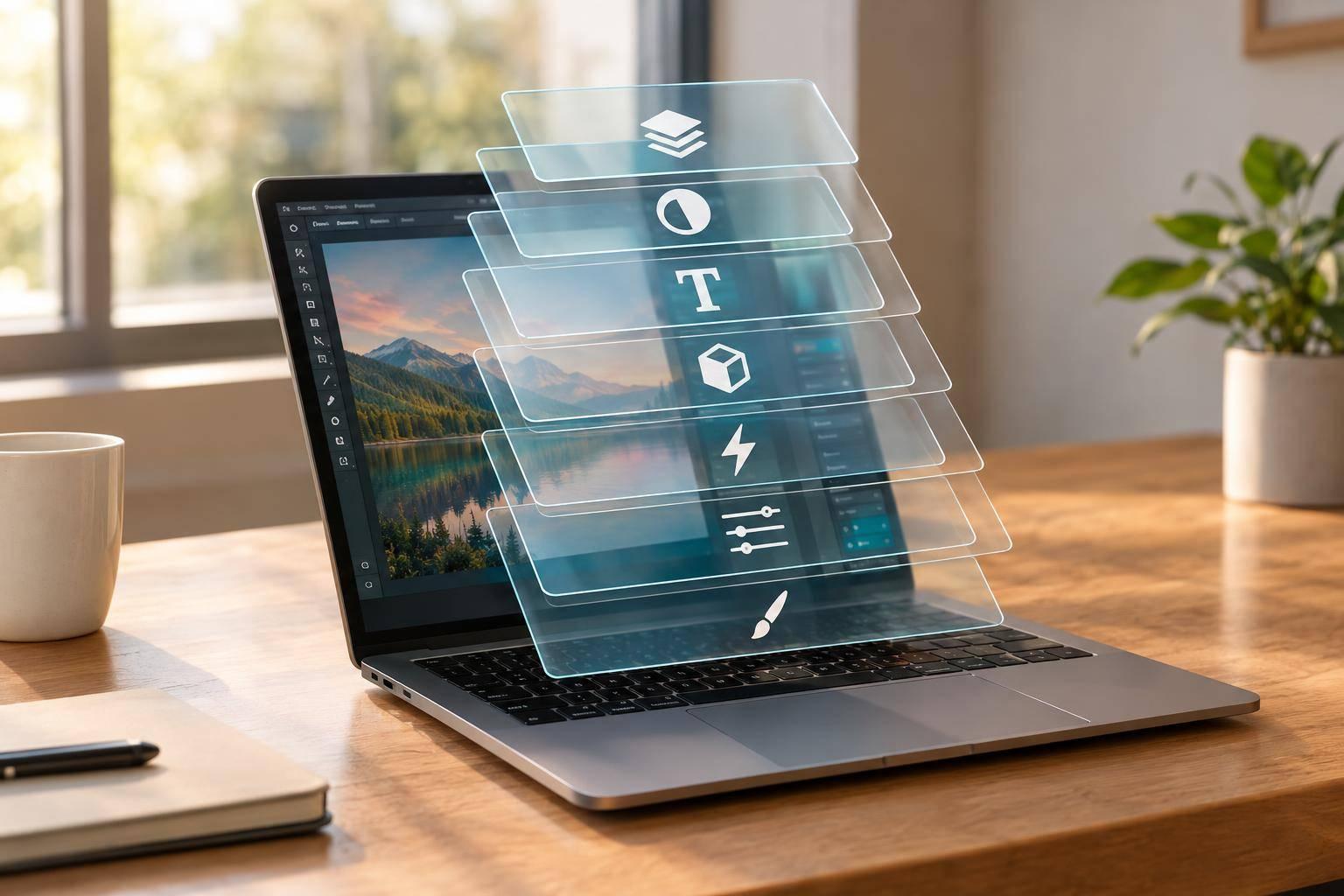
Free Online Image Editors: 7 Features Worth Checking
Editable layers, masks, text, smart objects, and local processing are the real tests for any free online image editor—format support alone isn't enough.
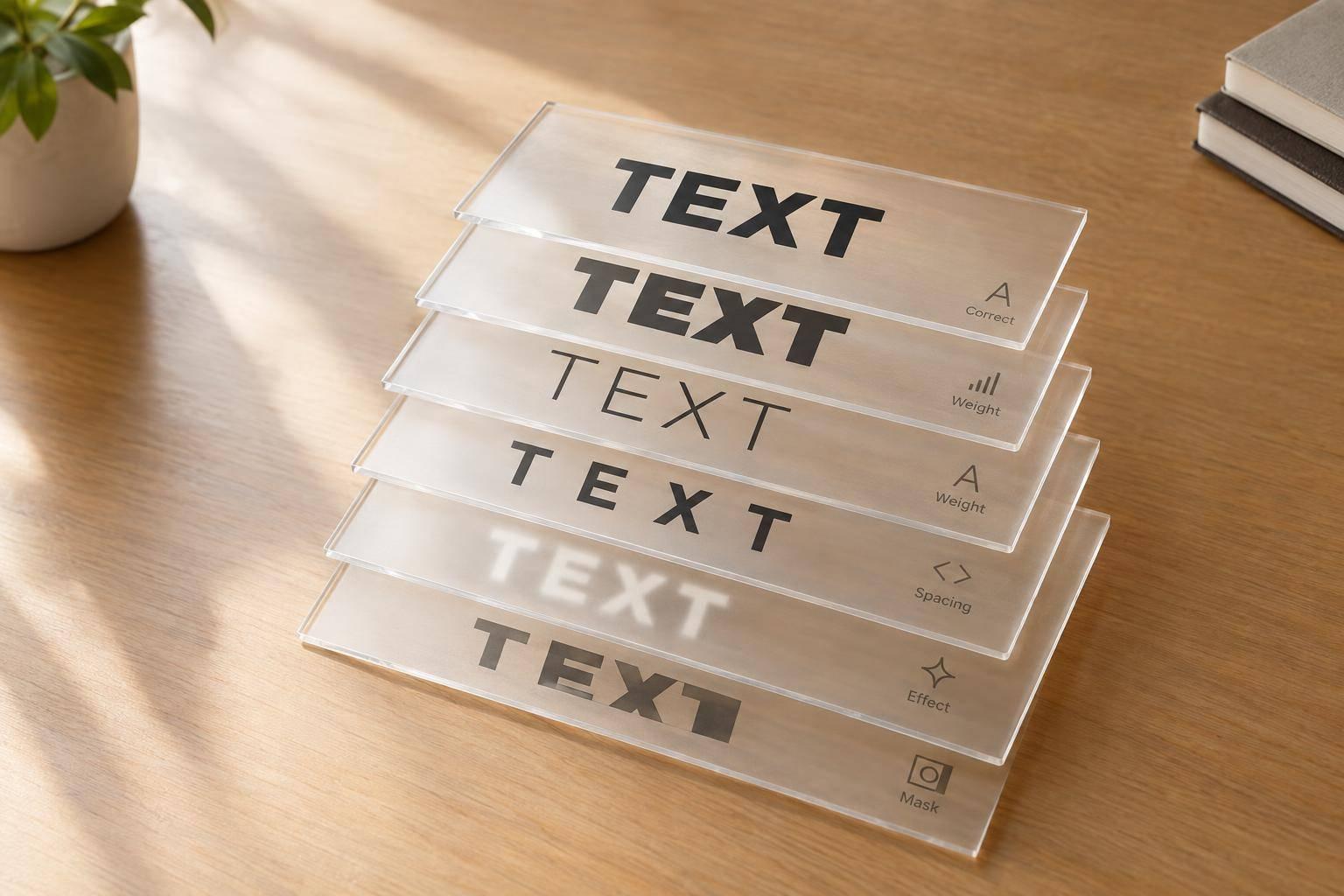
PSD Text Looks Wrong? Common Causes and Simple Fixes
Fix PSD text by restoring fonts, matching weight/spacing, checking rendering/effects and masks, and saving an editable PSD copy.
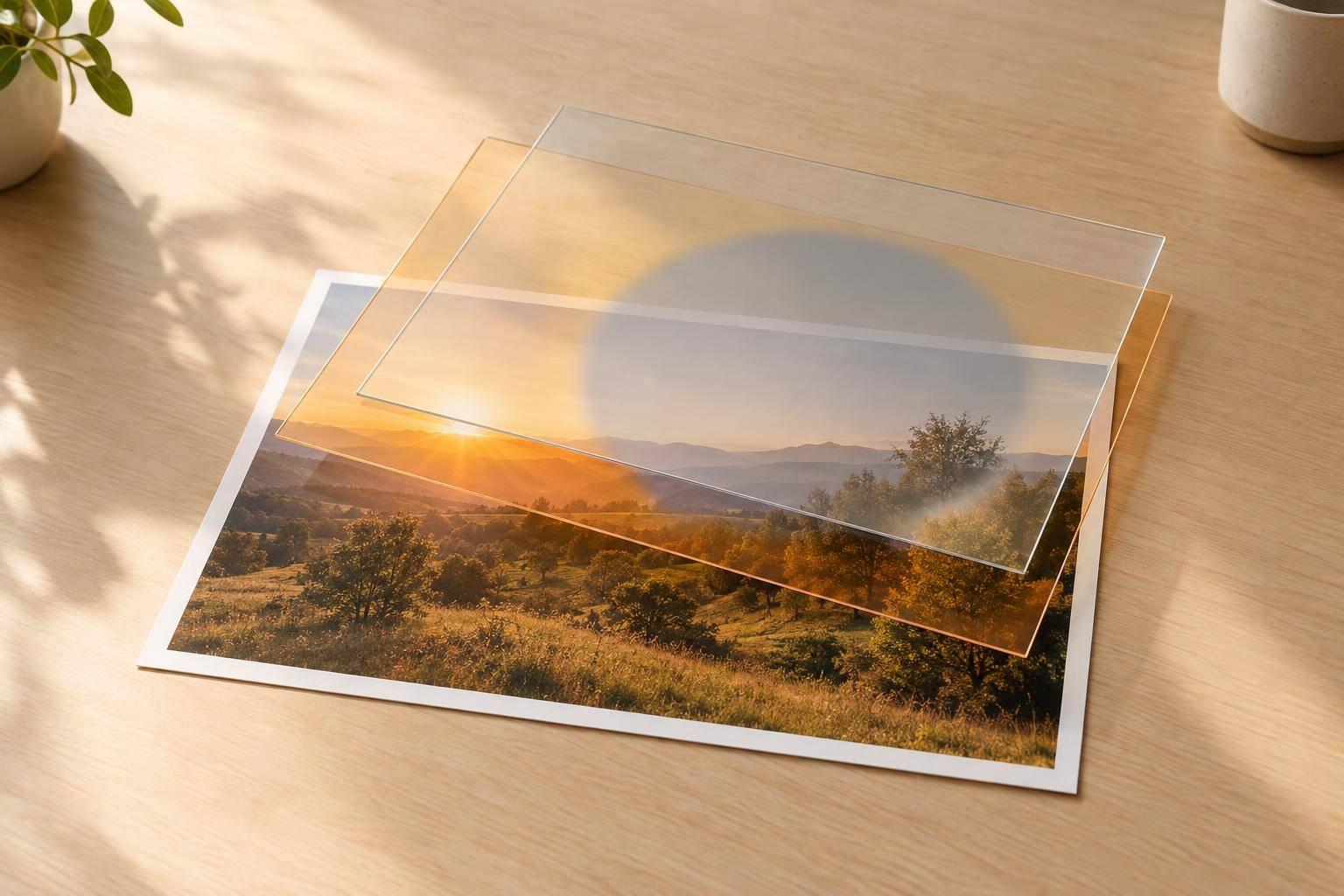
Layers vs. Masks: A Simple Guide for Image Editing
Simple rules for using layers and masks to make non-destructive, editable image edits.
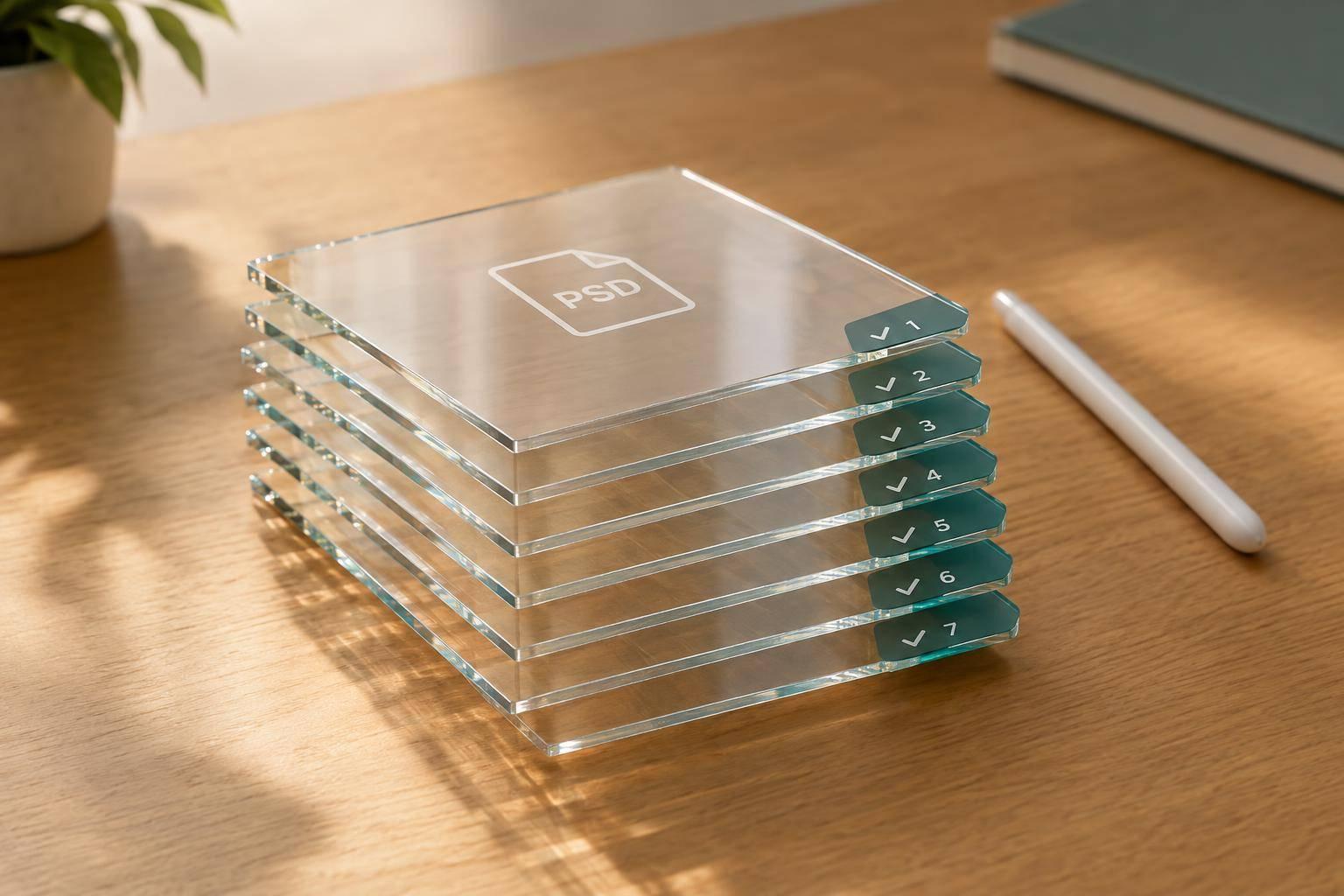
7 Checks Before Sharing a PSD File With a Client
Seven essential checks to ensure PSDs open, stay editable, and include all assets before client delivery.
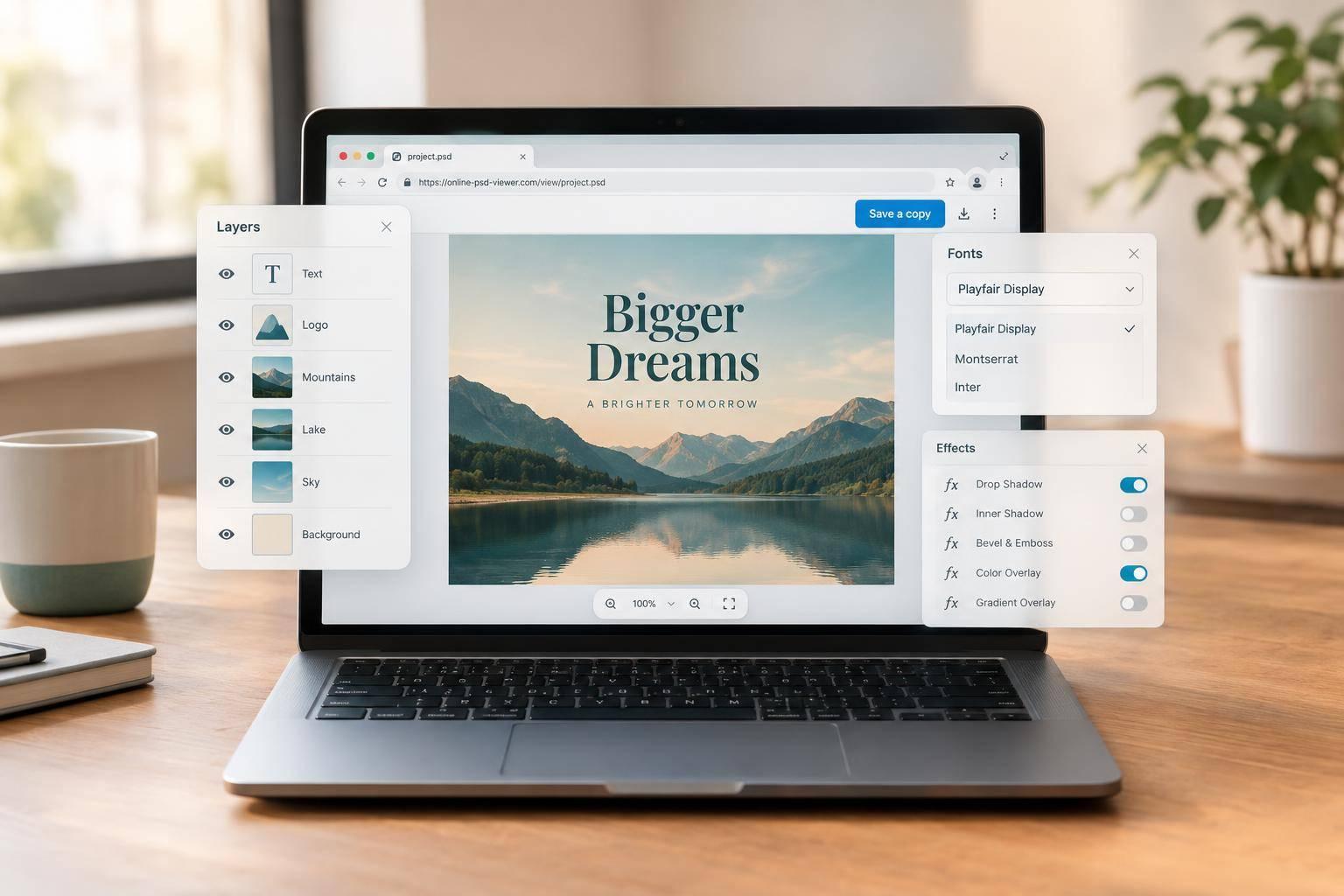
How to Open PSD Files in Your Browser Without Setup
View and inspect PSD files in your browser without installing software—check layers, fonts, effects, troubleshoot loading, and save copies.
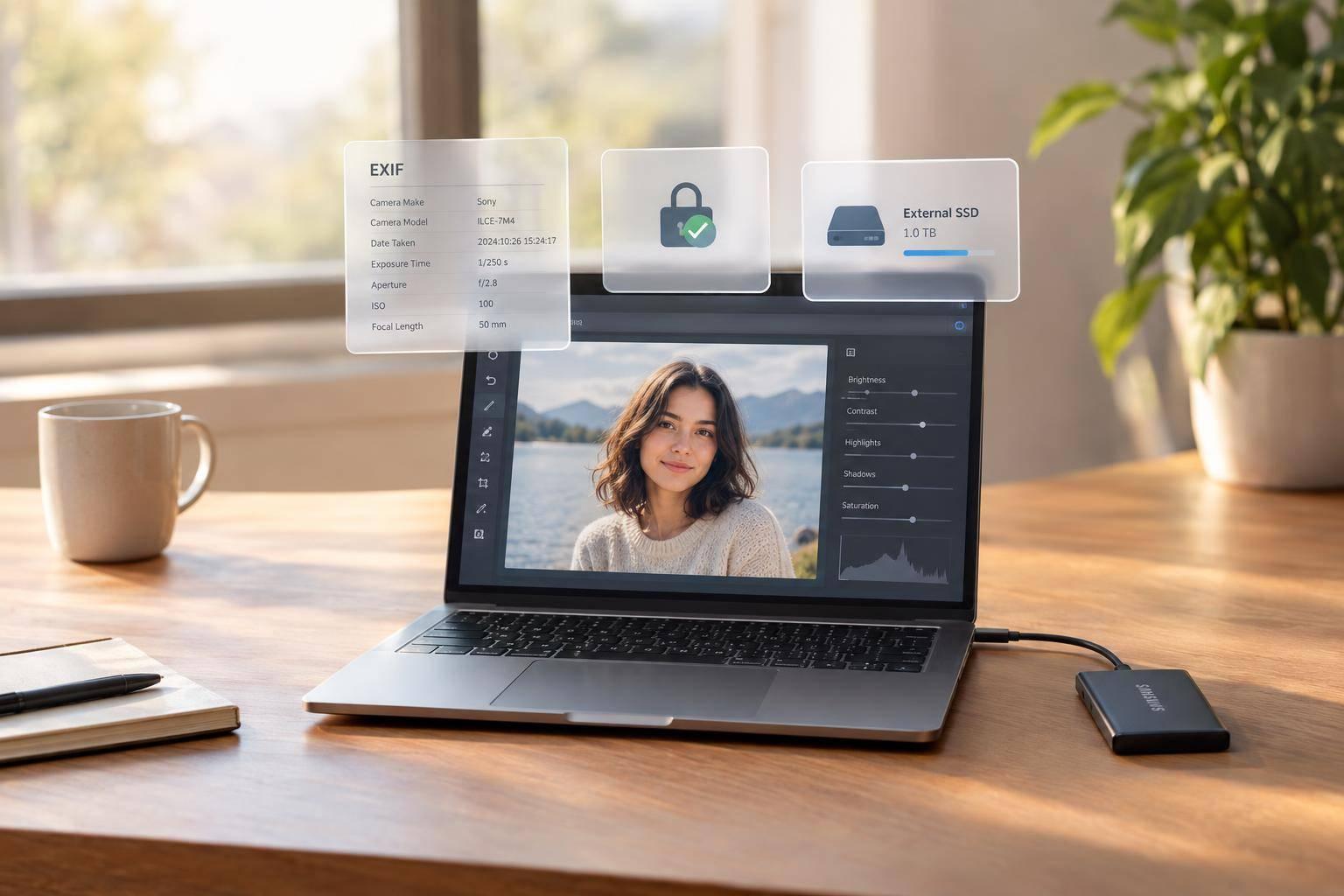
Local Image Editing: How It Protects Photo Privacy
Local image editing keeps photos off servers but isn’t full privacy—verify tools, check backups, remove metadata, and secure devices.
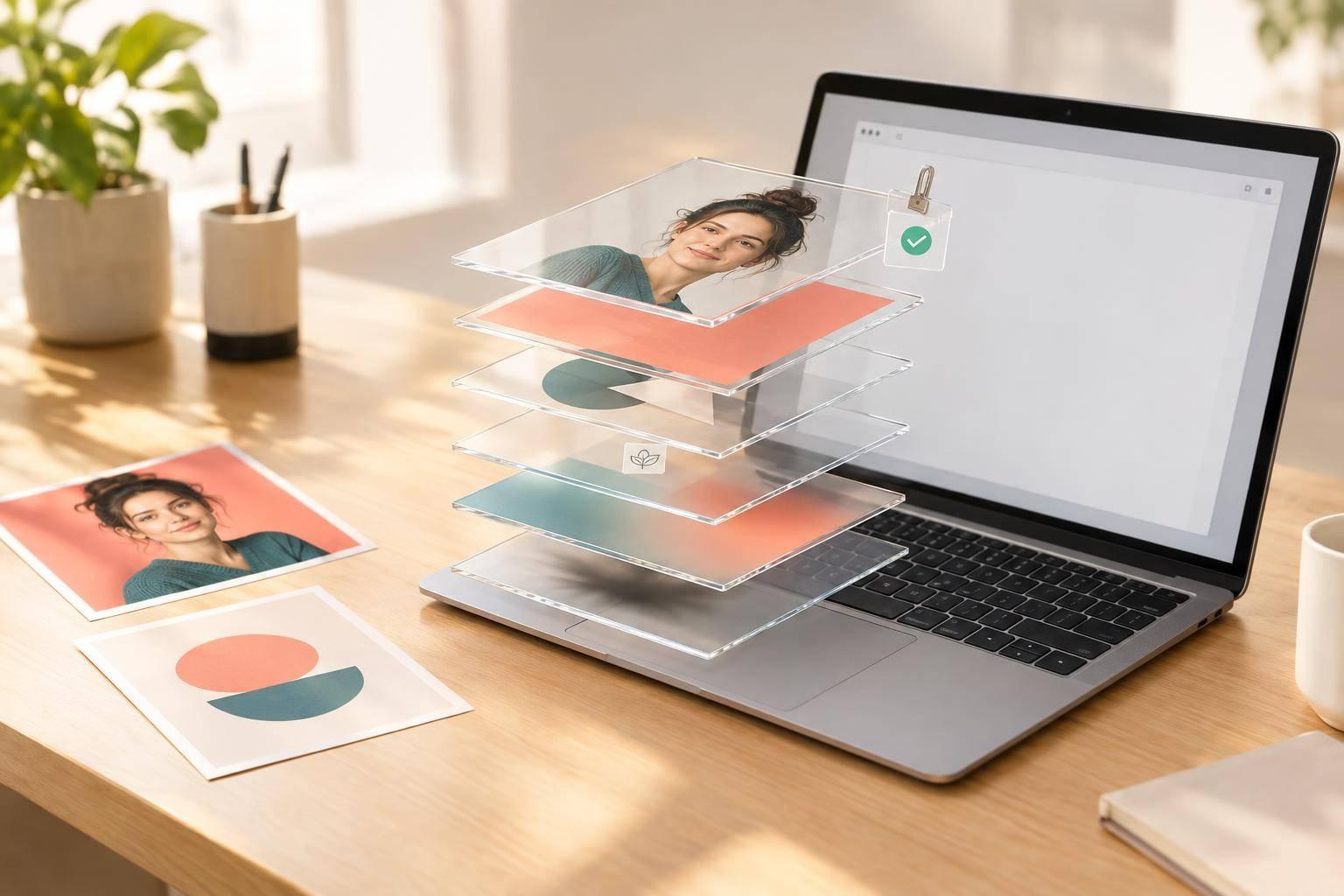
How to Edit PSD Files Online Without Losing Layers
Edit from the original layered PSD and keep layers editable: edit non‑destructively, save a verified PSD copy, export PNG/JPG separately.
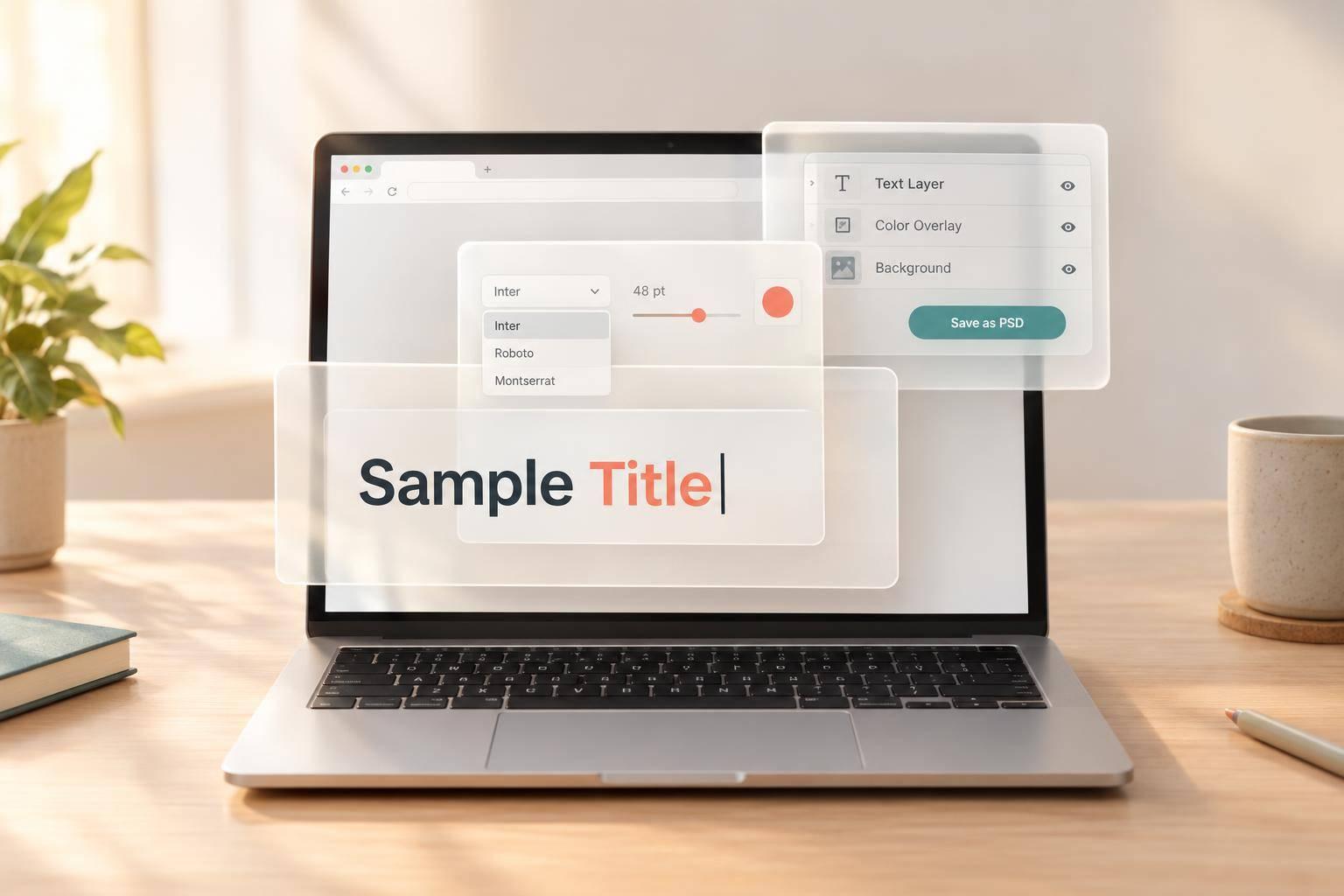
How to Edit Text in a PSD File Without Installation
Edit live PSD text in your browser - change fonts, size, color, rebuild rasterized text, and save layered PSDs for future edits.
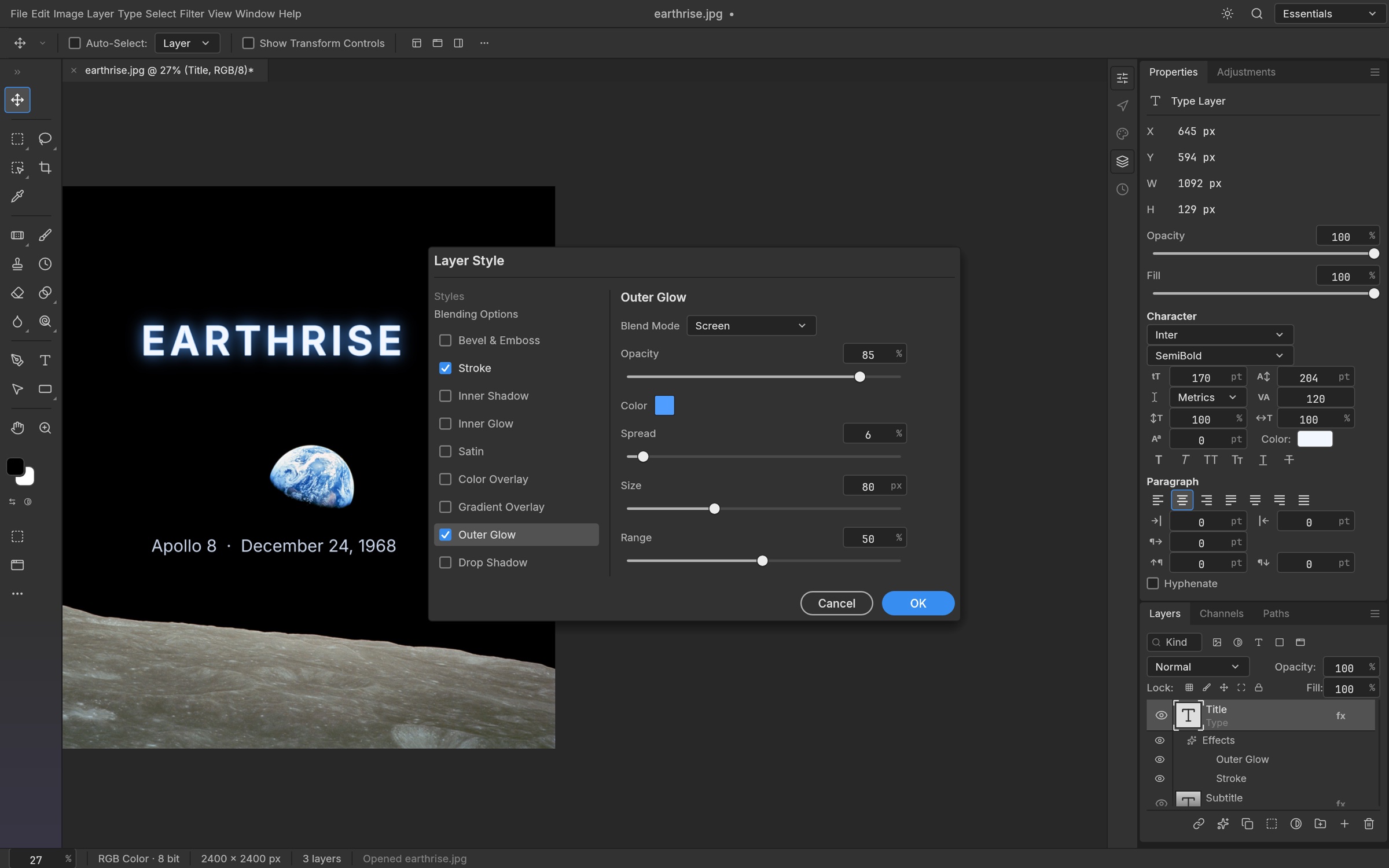
How to open a PSD file in your browser and edit it for free
No Photoshop? Open a .psd with its layers, masks and text intact, edit it with the tools you already know, and save it back to PSD.